Download ForceMap™
Your payment is complete. Download ForceMap for Windows below.
Your licence key will be sent to the email address used at checkout. Once ForceMap is installed, enter your licence key to activate the software.
ForceMap™ by Ultimate Golf Education
By downloading or using ForceMap, you agree to the Privacy Policy, Terms of Service and End User Licence Agreement.
Before you download
ForceMap is built for Windows coaching environments using V1 Pro PC software and supported force / pressure hardware.
Make sure your setup is ready before installing, and keep your licence key somewhere safe for activation on your coaching computer.
Step 1
Download the installer
Use the download button on this page to get the latest ForceMap installer for Windows.
Step 2
Install ForceMap
Run the installer on the Windows PC you use for V1 Pro, force plate review and coaching sessions.
Step 3
Activate your licence
Open ForceMap and enter the licence key from your welcome email to activate access.
Step 4
Start reviewing sessions
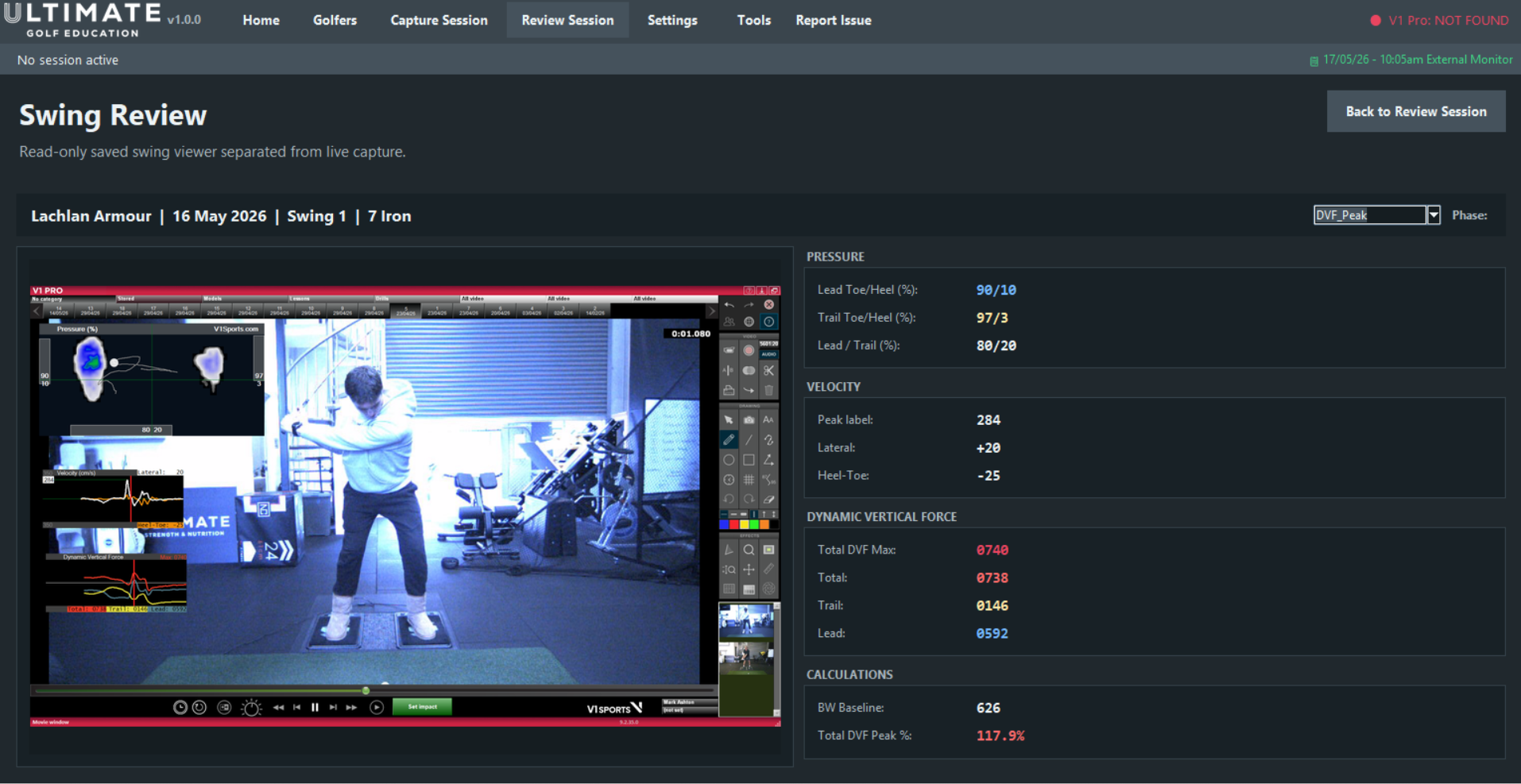
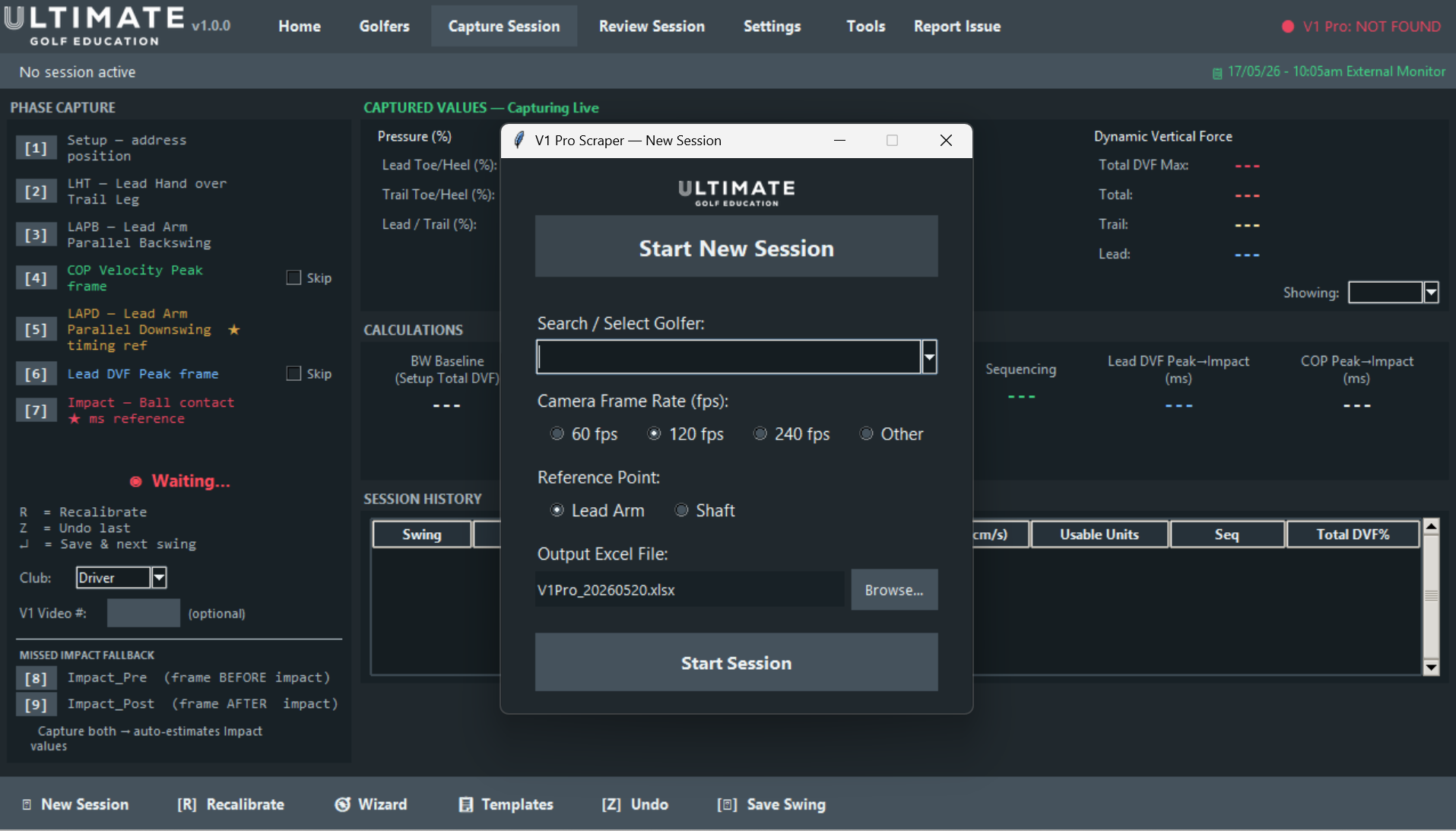
Use ForceMap to organise swing review, force and pressure data, player summaries and export workflows.
Licence key required
Your ForceMap licence key is created after purchase and sent to the email address used at checkout.
Windows PC required
ForceMap is designed for Windows coaching computers running the compatible V1 Pro PC workflow.
Hardware setup
ForceMap should be used with compatible force or pressure mapping hardware already confirmed for your environment.
Download ForceMap for Windows
Use the button below to download ForceMap for Windows.
After installation, open ForceMap and enter the licence key sent to your checkout email.
Need help?
Can’t find your licence email or need help getting started? Contact info@ultimategolfeducation.com.
Setup requirements
ForceMap works best after the correct V1 Pro PC software and compatible force / pressure mapping hardware are in place.
Keep your licence key
Your licence key controls access to ForceMap and may be needed again if you reinstall or move to a replacement coaching computer.
BUILT FOR GOLF PERFORMANCE ENVIRONMENTS
Designed for coaches and facilities using video analysis, force plate data and pressure-based swing review.
ForceMap supports a cleaner workflow from session review through to player-ready reporting.
Ready to install ForceMap?
Download ForceMap for Windows, then enter the licence key sent to your checkout email to activate the software.
Need help?
If your licence email has not arrived within a few minutes, please check your spam or junk folder.
Licence email not received: use the same email address you used at checkout.
Download not starting: refresh this page and try the download button again.
Licence key not activating: copy the full key from your ForceMap™ by Ultimate Golf Education email.
Reinstalling or updating ForceMap: download the latest installer from this page and use your existing licence key.
For support, contact info@ultimategolfeducation.com.